A desktop that won't start is unsettling, but it doesn't always mean the worst. The power supply is one of the hardest-working parts in any tower — it's also one of the more common reasons a machine that was fine yesterday suddenly does nothing today.
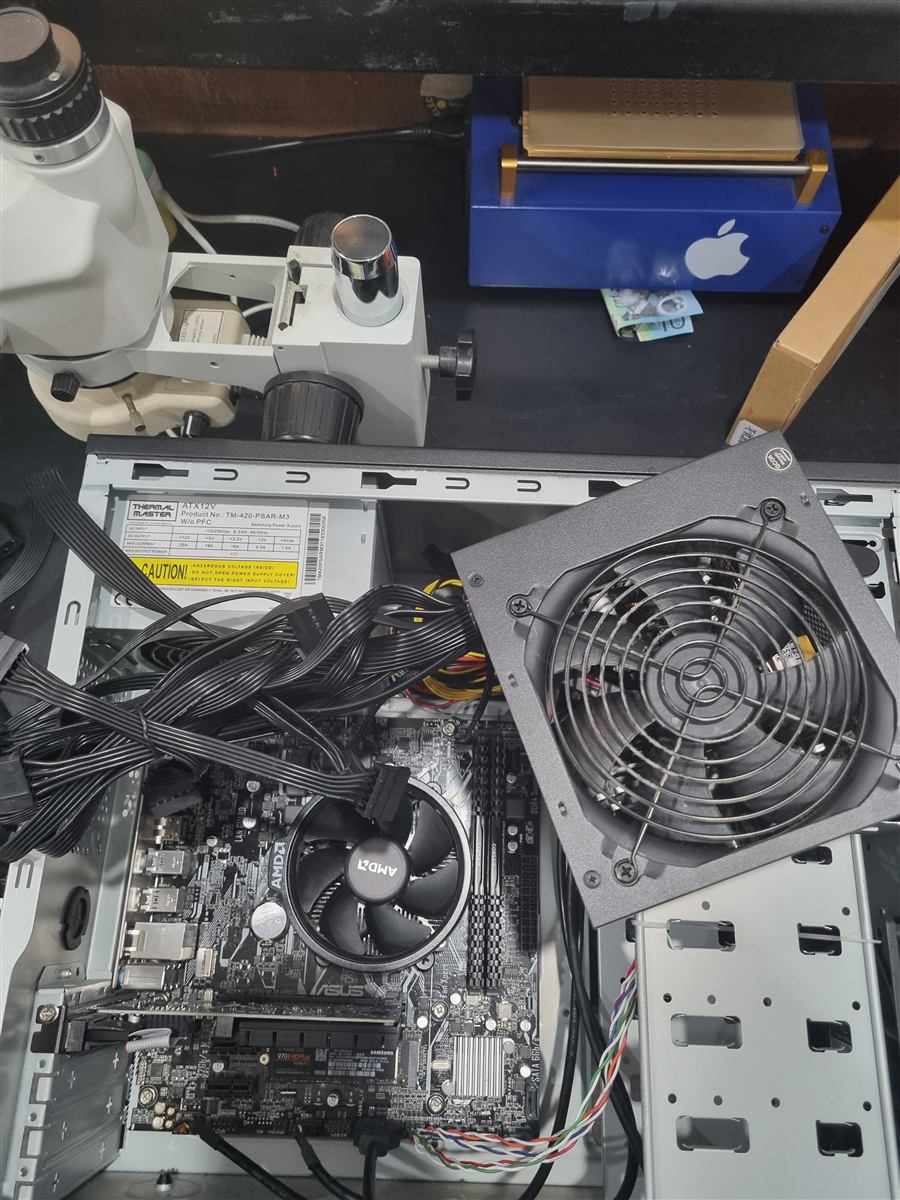 Power supply out for a proper look
Signs it's the power supply
- No lights, sounds or fan movement at all when you press the power button
- The computer starts, then shuts straight back down within moments
- Random restarts or shutdowns, especially under load
- A burning smell, buzzing noise, or the fan inside the unit not spinning
- The case fans and lights come on, but nothing appears on screen
Worth checking first
- Confirm the basics. Try a different power cable and wall outlet, and check the switch on the back of the unit itself is set to on.
- Listen closely. A faint clicking or buzzing from inside the case when you try to start it points somewhere different to complete silence.
- Don't open it up yourself. Even unplugged, a power supply can hold a serious electrical charge — it's not a DIY repair, and that's exactly what we're here for.
If it's still not starting
Bring it in and we'll test the power supply properly rather than guess from symptoms — and check the rest of the machine at the same time, since a failing unit can sometimes take other components down with it. Plain-English explanation before any work begins, free of charge.